
Read-only access, reports and notes for the school
October was mostly about school leaders and administration, but teachers got new things too.
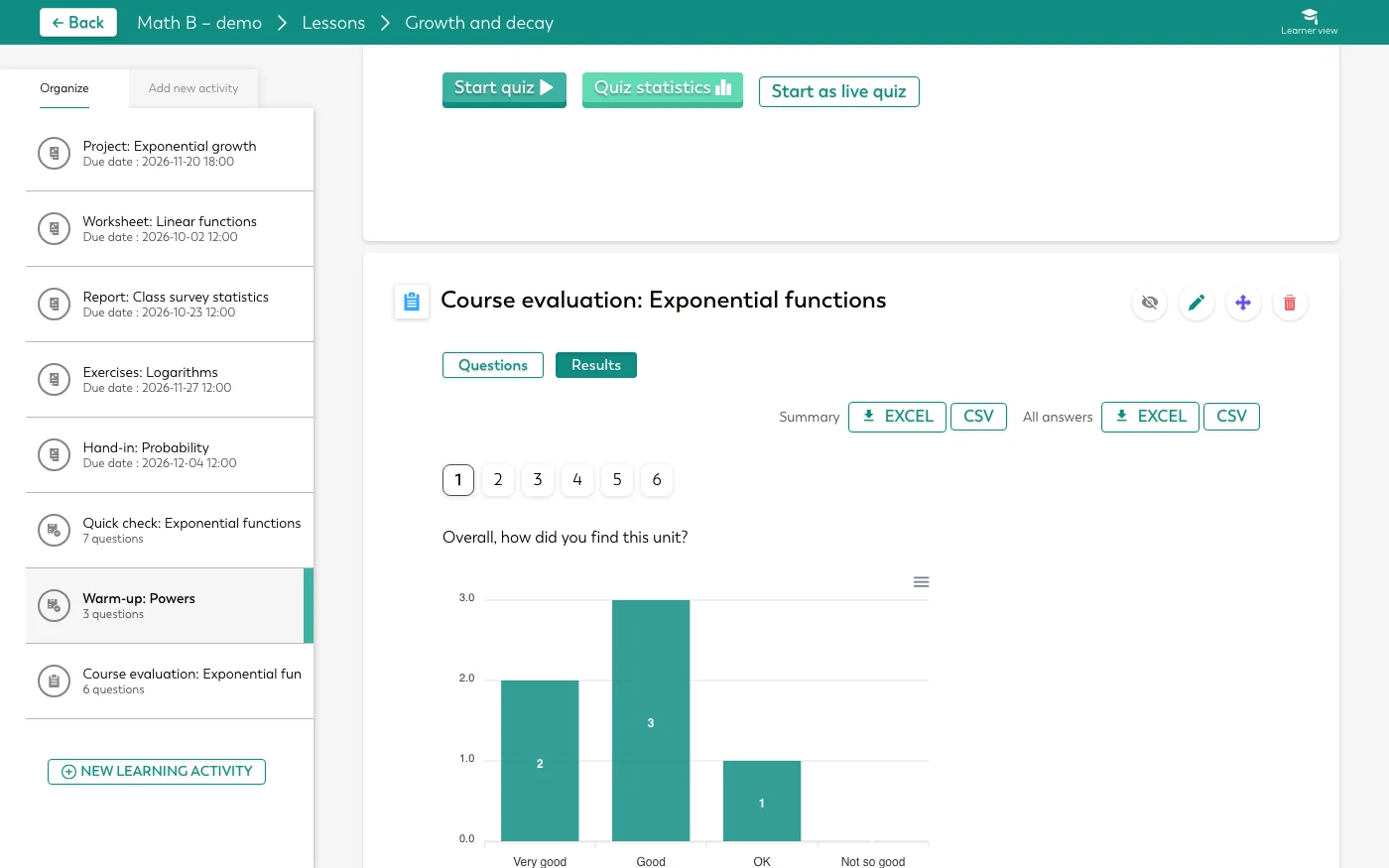
The whole school's evaluations in one Excel file
Download every class's questionnaires together in one Excel file. The export needs the statistics and teacher-activity permissions, and it is logged.
Read-only access to a class
Give an external examiner, a colleague or a demo account read-only access to a class, with an end date if you like. They see the class's courses, lessons, assignments, files and news, but never its members or anyone's work.
Statistics as a PDF
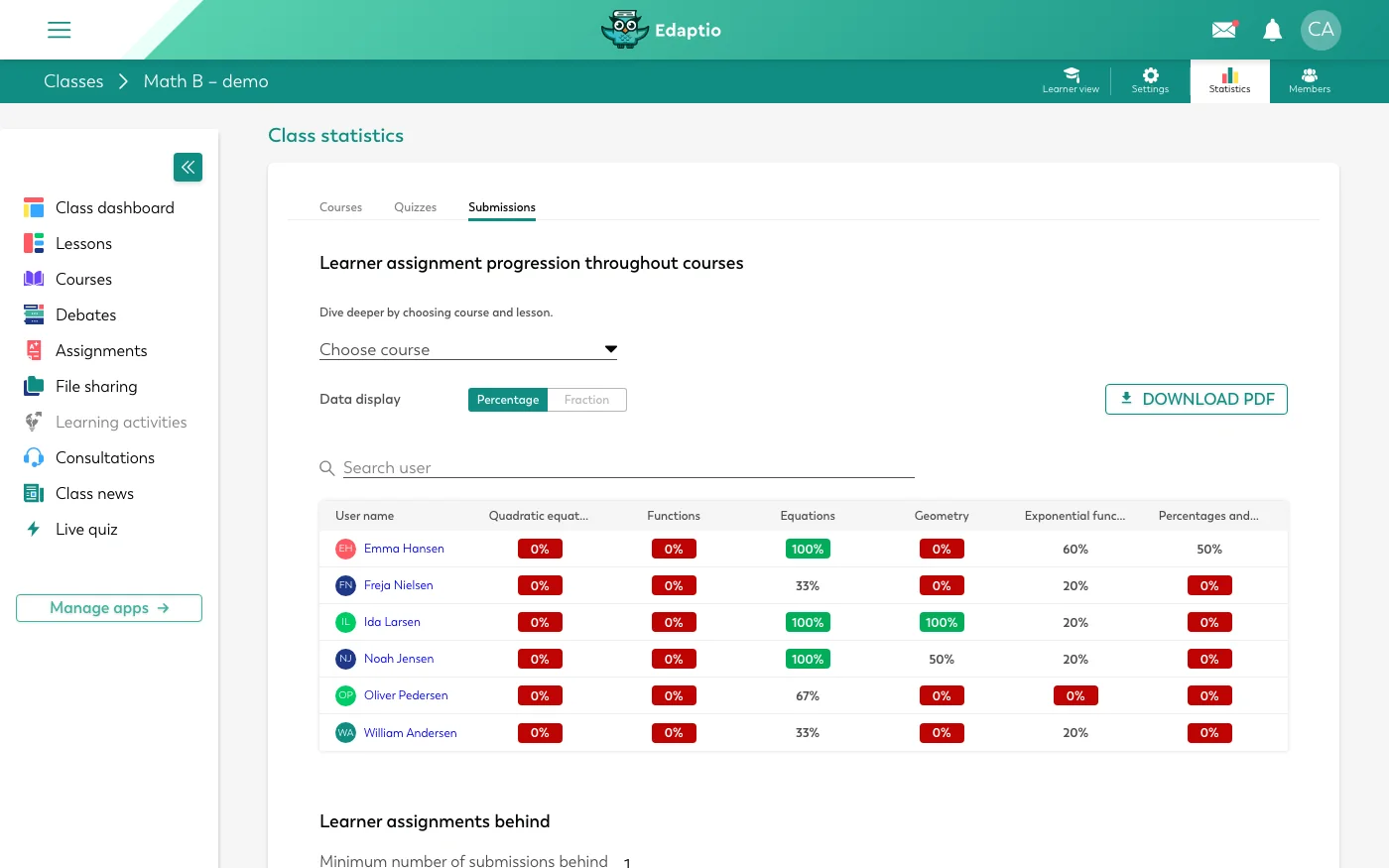
Download the class's statistics on hand-ins, courses and quizzes as a PDF report. It shows who made it and when.
Notes about students
Write notes about a student, in general or for one class. The school decides who can read them. Notes are switched on per school.
Split a class's students between its teachers
When a class has several teachers, its students can be split between them, so each teacher only sees their own students' hand-ins. It is switched on per school.
Restore deleted content
If you or Olly deleted something by mistake, it can be brought back. Ask Olly to restore it, or write to us.
Olly helps students find the way
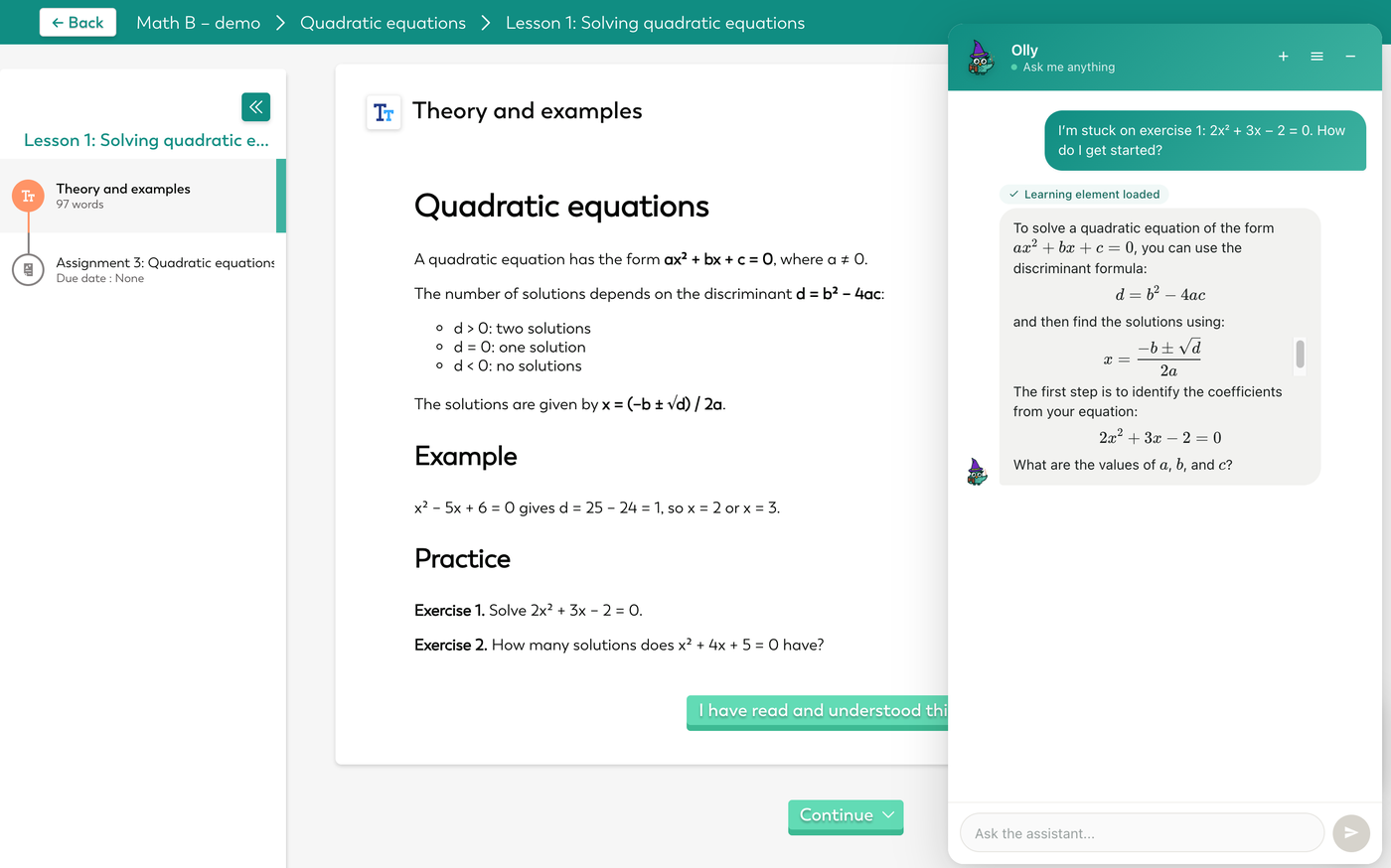
Olly gives students hints and questions instead of the answer, in every subject. They still have to work it out themselves.
Search, copying and uploads
User search now finds full names, initials and misspelt names. Big courses are copied in the background without stalling, and an upload survives the connection dropping for a moment. If an answer can't be saved, the student is told.